What's New in FM Dojo v1
LiveConnect, the Schema Agent, FM Deploy, Flows, AI Data Access, Training, FM Trivia, Layout Designer, and more — everything shipped since v1.0 launched.
A lot has shipped since the 0.9 series. Here's everything that's new in FM Dojo v1.
LiveConnect — Your Open File, Live in the Browser
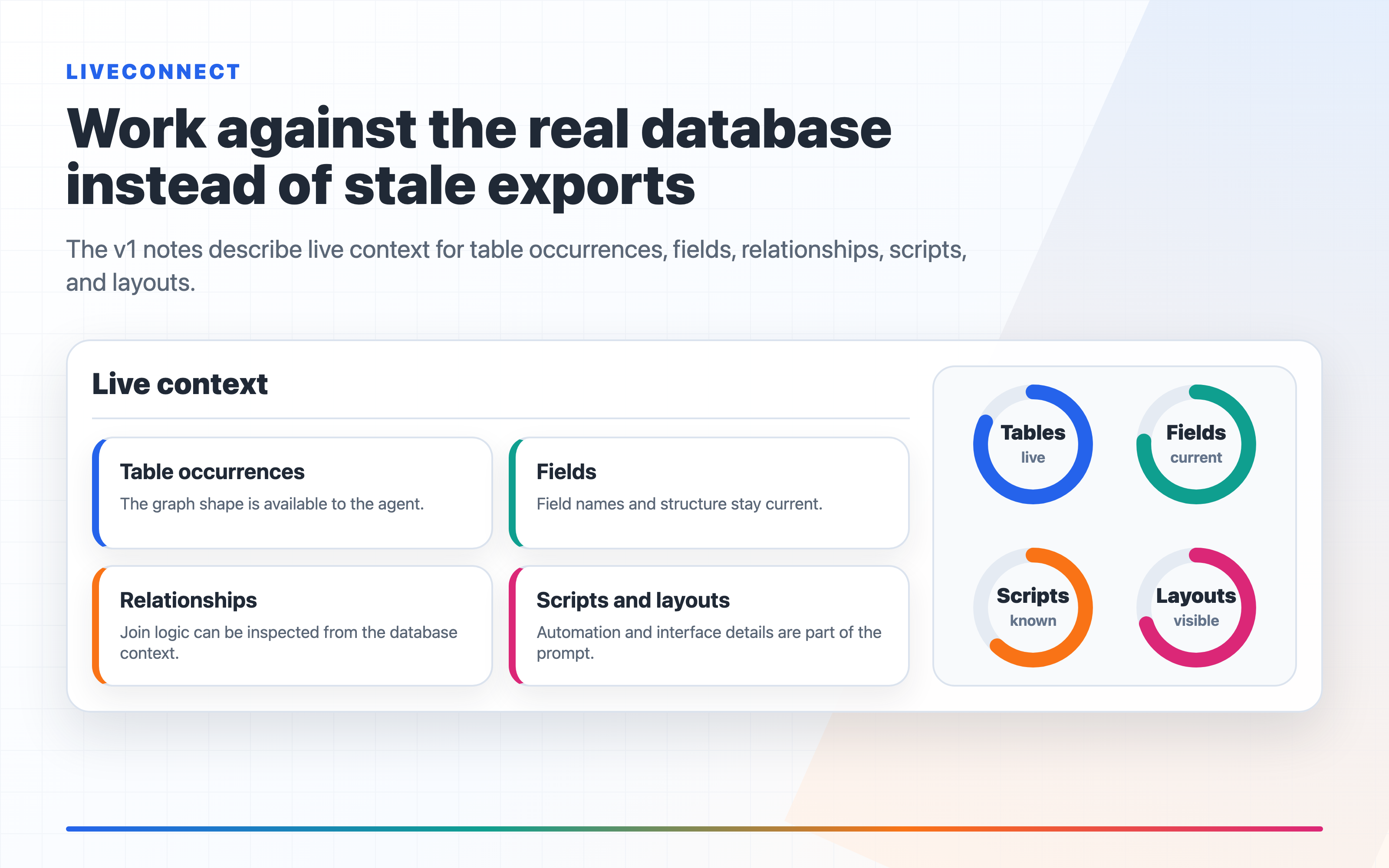
LiveConnect is the biggest thing we've shipped. Install the FM Dojo plugin into FileMaker Pro, then copy the generated script from the Snapshots page into your file — FM Dojo embeds your credentials automatically. One-time setup. After that, click Connect in FM Dojo, run the Live Push script from FileMaker, and your schema is live in the browser in seconds.
From there the agent works directly against your actual database — your real table occurrences, fields, relationships, scripts, and layouts. No more exporting, no more copy-pasting field lists, no stale schema.
When the agent finishes, changes are staged for your review. You can remove individual items, add a commit message, and deploy whenever you're ready. Nothing touches your file until you say so. If something isn't right after deploying, you can revert from the Snapshots page.
LiveConnect is available on Ronin and above. Learn more
Schema Agent — Make Changes, Not Just Ask Questions
The schema agent works against your live schema (via LiveConnect) and stages real changes: new fields, modified scripts, custom functions, and value lists. You describe what you want in plain English and the agent produces a diff you can review before anything is deployed.
This is different from the schema chat, which answers questions. The agent acts — and everything it does is staged and reversible.
Projects — Organize Your Work
Projects give you a place to collect everything related to a FileMaker solution in one spot. Add scripts, clips, and diagrams as artifacts, link the project to a database on your FileMaker server, and keep a deployment history as you iterate.
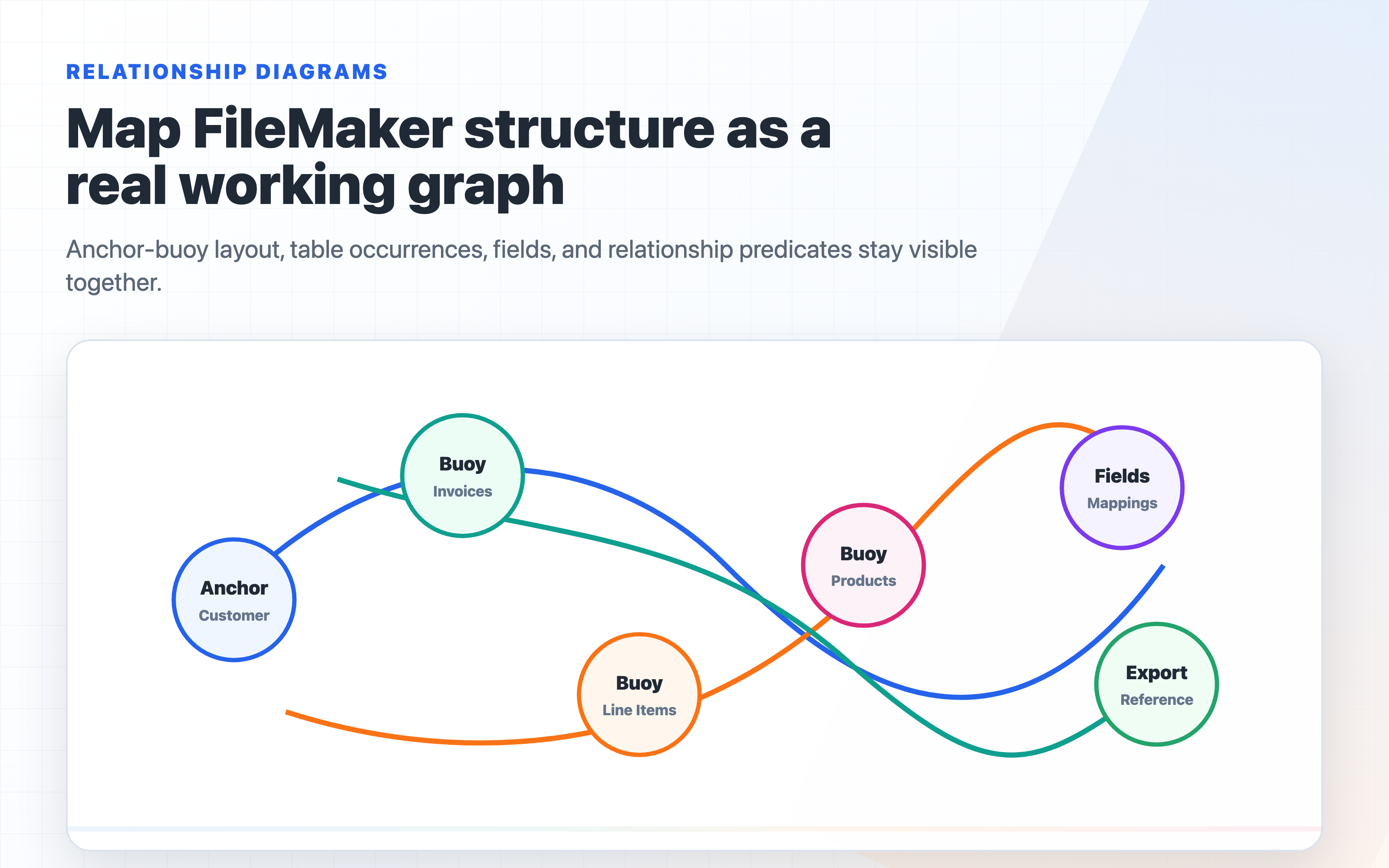
Scripts and clips in a project are marked deployable — export them as FileMaker clipboard XML and paste them directly into FileMaker Pro. Diagrams are reference artifacts: relationship diagrams, ERDs, and layout sketches that live alongside your work.
FM Deploy — Push Schema Changes to Production
FM Deploy lets you deploy FileMaker schema changes to a live server file without touching data. Upload a Save As XML export from your updated development file, and FM Deploy diffs it against your production snapshot — showing new tables, fields, table occurrences, relationships, layouts, scripts, value lists, and custom functions before you commit.
FileMaker Upgrade Tool applies the patch, carrying all existing data into the patched copy. The live file is closed, patched, swapped back into production, and reopened automatically. A full run log with real-time output is shown throughout. If the swap fails, it rolls back automatically.
Flows — Automate FileMaker
Flows lets you automate FileMaker with webhooks, schedules, and FileMaker record polling. Build multi-step automations in a visual editor — no code required — and let them run on their own.
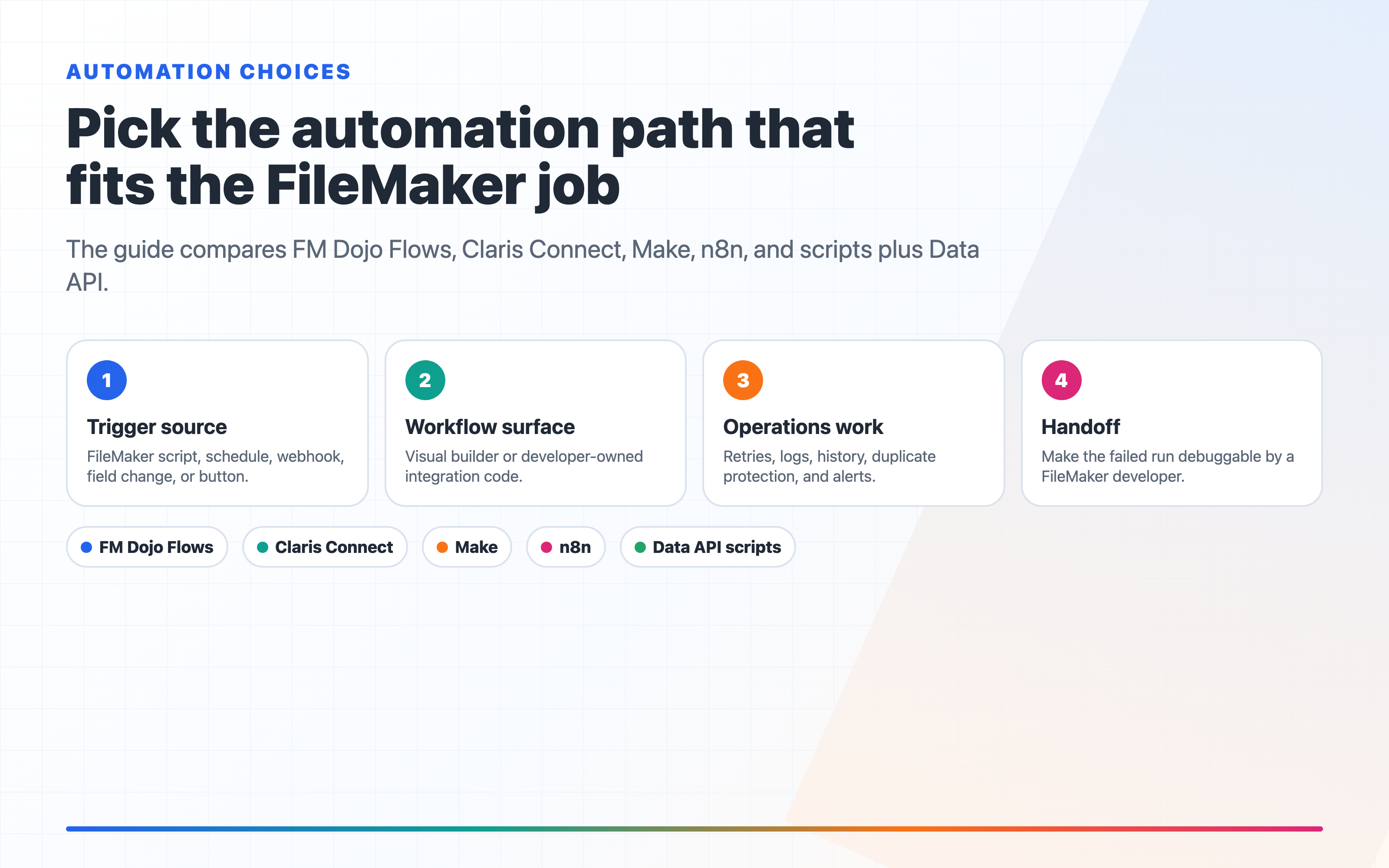
Connect to 25+ services out of the box: Slack, Discord, Microsoft Teams, Email, SMS, Google Sheets, Google Calendar, GitHub, Jira, Trello, Asana, HubSpot, Salesforce, Stripe, Shopify, Xero, QuickBooks, Airtable, Notion, Mailchimp, Pipedrive, Zendesk, Twilio, Zapier, Make, and any REST API or webhook.
Flows are also connected to Server Alerts. Set a Flow as the trigger for any alert condition — disk usage, backup failure, database status changes — and the Flow handles notification, escalation, or any follow-on action when it fires.
AI Data Access — Ask Questions About Your Live Data
FM Dojo now connects to your live FileMaker data via MCP (Model Context Protocol). Ask your AI tool questions and it queries FileMaker directly — no copy-pasting, no exports, no stale data.
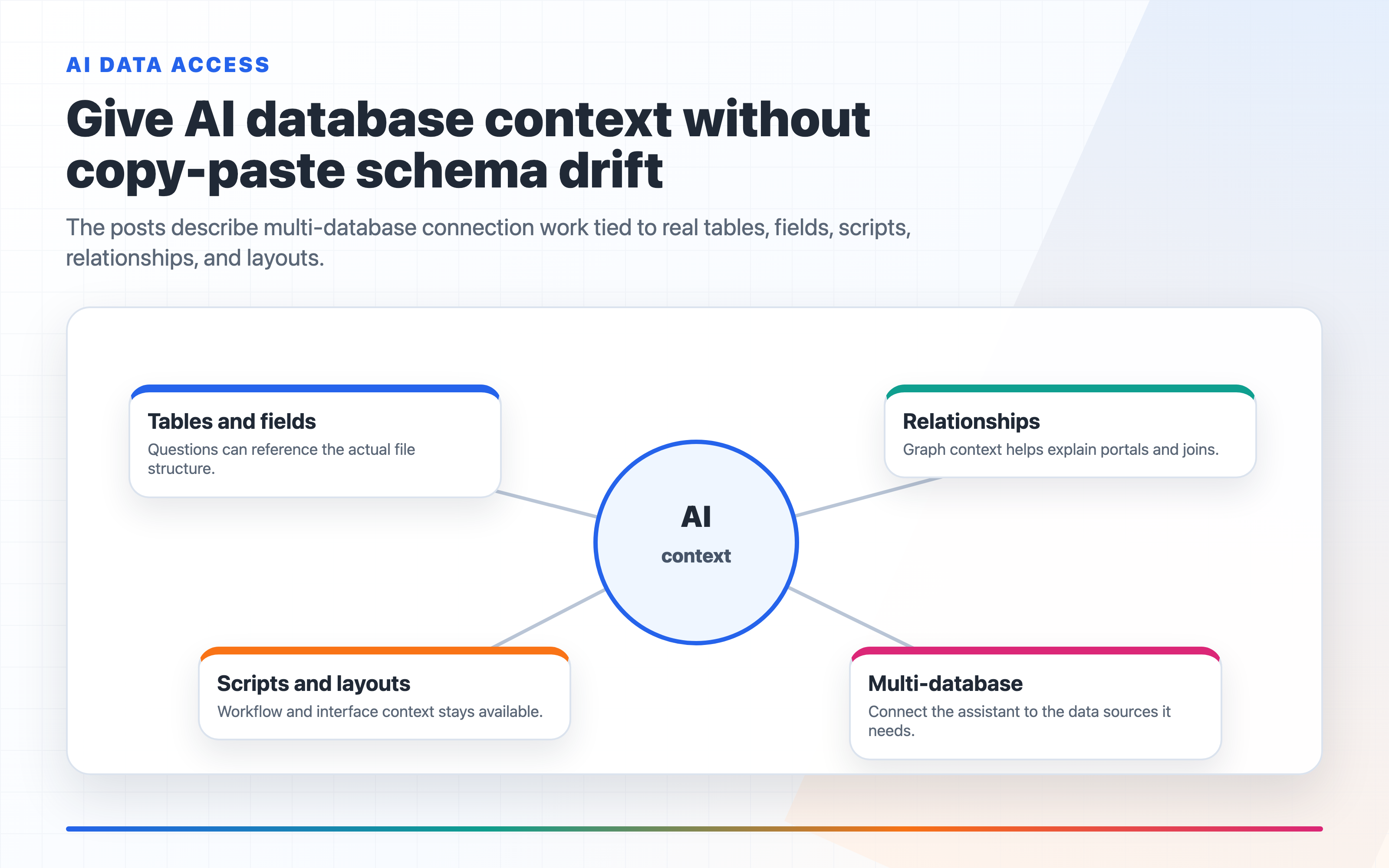
Works with Claude Desktop, Cursor, Zed, Continue.dev, and any tool that supports MCP. Set up in under a minute: generate a token in FM Dojo, paste a config snippet into your AI tool, and it's connected. Ask "show me all invoices overdue by more than 30 days" and it just answers, using your real database.
Training — 100 Interactive FileMaker Lessons
One hundred structured FileMaker lessons covering calculations, scripting, relationships, and the Data API. Each lesson has step-by-step explanations, examples, common mistakes to avoid, and a quiz at the end. Difficulty levels span Beginner, Intermediate, and Advanced. Progress is tracked per lesson so you can pick up where you left off.
FM Trivia — Test Your Knowledge
Ten questions per round, 30 seconds each, with a global leaderboard. Earn tokens for correct answers. Set a nickname, track your history across the last 30 rounds, and see how you rank against other FM Dojo members.
Layout Designer — Connected to Your Schema
The Layout Designer now connects directly to a Snapshot or live FileMaker Server. Pick fields and value lists from your actual schema in the property panel — no more typing field names by hand. Export the result as ready-to-paste FileMaker XML.
Ask AI About Any Snapshot
Open any snapshot and the AI chat panel now has full context about that specific file: its tables, fields, scripts, relationships, and layouts. Ask questions directly in the detail panel — no need to copy schema into a separate chat.
HTML/JS Code Editor — Starter Templates
The HTML/JS code editor now ships with 14 starter templates so you can get a working FileMaker web viewer up in seconds instead of starting from scratch:
Charts — Line Chart, Bar Chart, Pie Chart, Donut Chart, D3.js Bar Chart, ApexCharts
Data — DataTables (sortable, searchable, paginated), KPI Cards
UI — Calendar, Gantt Chart, Progress Bars, Kanban (Dragula), Dragula Drag Lists, Map (Leaflet)
Every template is wired to FM Dojo's FM_DATA object so swapping in your real FileMaker data is a single variable change. Pick a starter from the dropdown, see it render live in the preview pane, then adapt it to your solution.
Code Editor — Stage as Change
From the FM script editor, you can now stage FileMaker XML directly as a LiveConnect change. Paste the XML for a field, script, custom function, or JSON variable — FM Dojo detects the content type and adds it to your staged changes queue alongside anything the agent generated, ready to review and deploy.
FMS Admin Improvements
The Backups tab now supports downloading, deleting, and opening backup files directly — single file or multi-select. Combined with the restore-in-one-click feature from 0.9, you can manage your entire backup lifecycle from the browser.
See everything in the full changelog. Questions? Get in touch or join the Discord.