FileMaker AI Assistant: What It Can and Can't Do
What FMDojo's FileMaker AI assistant can do with real schema context, where it needs developer review, and how to use it without generic AI drift.
A FileMaker AI assistant is only useful if it understands the FileMaker system in front of you. Generic AI can explain Let, JSONSetElement, or ExecuteSQL syntax. FMDojo is more useful when it starts from your actual FileMaker context: active Snapshots, LiveConnect schema, script names, layout names, fields, relationships, and the code you are already editing.
That distinction matters. The goal is not to ask AI to "fix FileMaker." The goal is to give an experienced FileMaker developer a faster way to inspect real objects, pressure-test an implementation plan, and catch mistakes before they reach a production file.
In FMDojo, the best answers come when you use the right surface for the job:
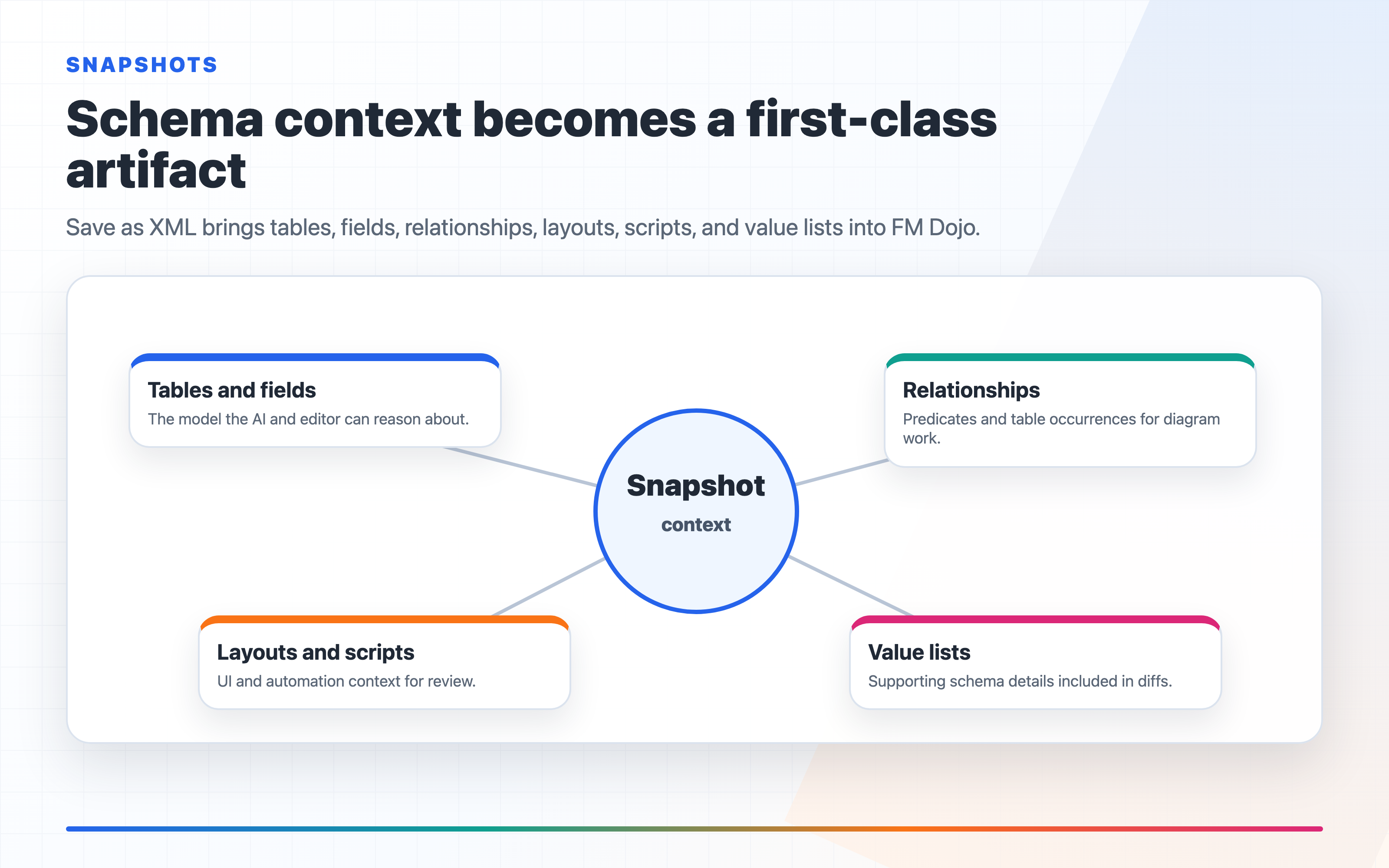
- Use Snapshots when you want AI Chat, Code Chat, or Diagram Chat to see your imported FileMaker schema.
- Use LiveConnect when you want current schema from an open FileMaker file and a path to review generated XML before pushing changes back.
- Use Code Chat when the object in question is a calculation, script, schema snippet, SQL query, JSON payload, or Web Viewer code.
- Use SQL Fiddle when you want to test an
ExecuteSQLidea outside FileMaker and see a real error instead of a?. - Use FMS Admin when the question is about FileMaker Server evidence: logs, backups, services, connected clients, schedules, Data API, OData, or WebDirect.
- Use Connections -> AI Data Access when an external MCP-compatible AI tool needs to query selected FileMaker databases through the connector URL FMDojo generates.
That is the real product boundary. FMDojo does not make AI authoritative. It gives the assistant better FileMaker context and gives the developer better review pressure.
What FMDojo's FileMaker AI assistant can do
FMDojo can help when the question is tied to a concrete FileMaker object.
If a Snapshot is active, AI Chat can refer to your real table names, field names, script names, and layout names. That changes the quality of the conversation. Instead of asking:
How should I build an invoice aging report?
you can ask:
Using the active Snapshot, review the Invoice, Payment, Customer, and Terms
tables. What fields and relationships should I verify before building an
invoice aging report?
That is a better FileMaker AI prompt because it gives the assistant a job inside your schema. It can point at likely relationship issues, missing date fields, unclear status fields, or scripts that already touch invoices. A developer still has to verify the answer, but the first pass is not floating in generic database advice.
The same applies to script work. If you are reviewing a FileMaker script, the assistant can help look for:
- Missing
Set Error Capture [ On ] - Missing
Allow User Abort [ Off ]in server-side or production-sensitive scripts - Commit behavior that leaves partial state
- Find requests that fail silently
Perform Script on Serverassumptions- Layout context that does not match the records being modified
- Destructive steps without confirmation or logging
That is where FMDojo earns the article topic. A FileMaker AI assistant is not valuable because it sounds confident. It is valuable when it is looking at the same FileMaker objects the developer is reviewing.
Use Snapshots and LiveConnect before asking for implementation details
The common mistake is starting with a broad AI prompt before FMDojo has the file context.
Start with the FileMaker file instead:
- Export XML from FileMaker and upload it to Snapshots, or connect the open file through LiveConnect.
- Star the Snapshot or refresh the LiveConnect session so FMDojo knows which schema is current.
- Ask AI Chat a narrow question about the actual tables, fields, layouts, or scripts.
- Move code-heavy work into Code Chat or the Code Editor.
- Use the answer as a review draft, not as permission to ship.
For example, if you are asked to add an invoice aging dashboard, the FMDojo workflow should look like this:
- Open the active Snapshot and confirm the invoice, payment, customer, and terms fields.
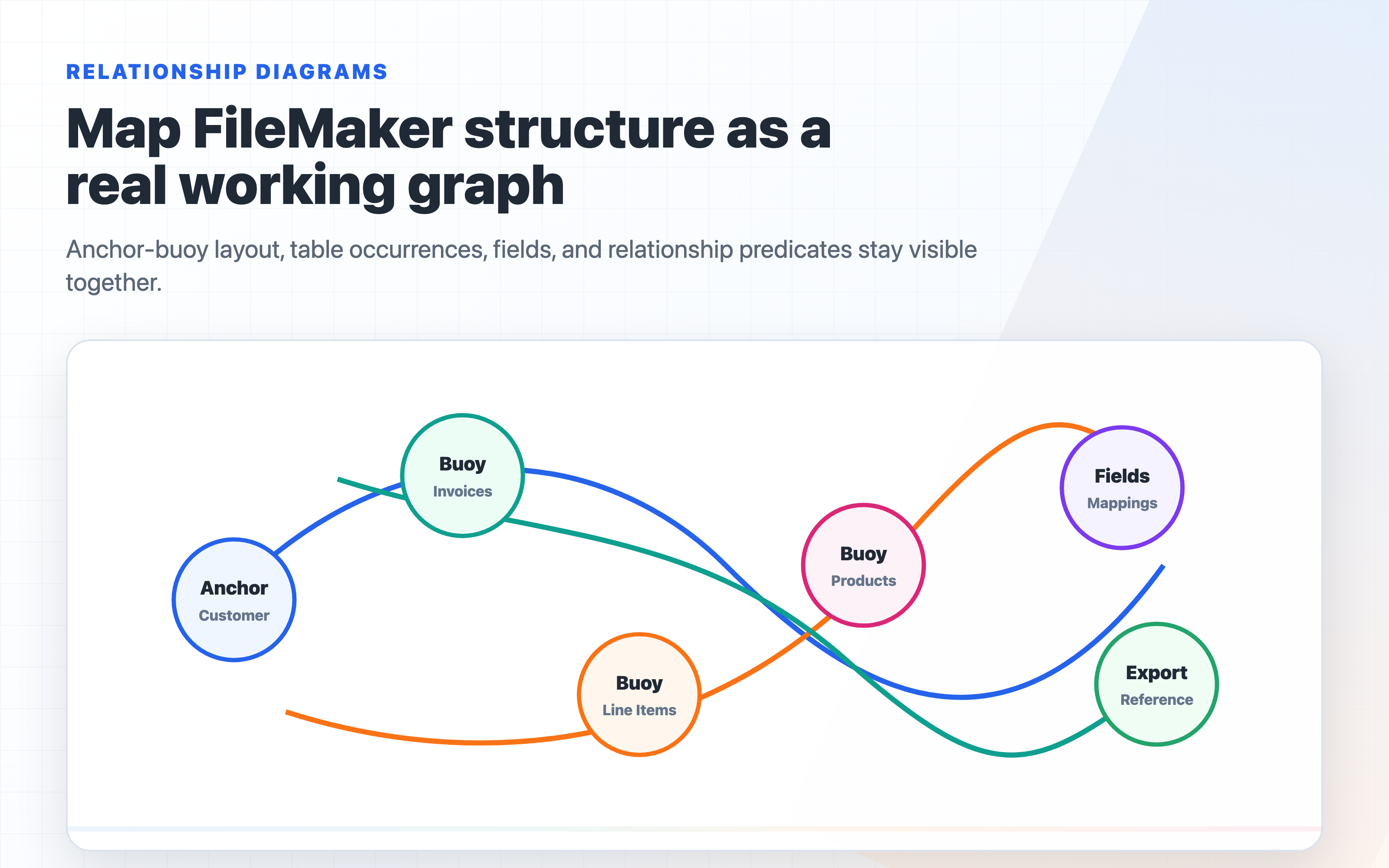
- Ask AI Chat to identify the relationship and date-field assumptions behind aging buckets.
- Use SQL Fiddle to test any
ExecuteSQLquery shape before copying it into FileMaker. - Use Code Chat to review the calculation or script steps against FileMaker syntax.
- Save the final checklist with the change notes so another developer can see what was reviewed.
That workflow popularizes FMDojo features by showing how they are used. It also keeps the post accurate: the assistant is not magically reading your business rules. It is working from the schema and code context you provide.
What Code Chat is good at
Code Chat is the right place when the unit of work is code.
Use it for FileMaker calculations:
Let ( [
  start = Date ( 1 ; 1 ; Year ( Get ( CurrentDate ) ) ) ;
  days = Get ( CurrentDate ) - start + 1
] ;
  days
)
Ask:
Explain this calculation and check whether it is safe for a hosted file where
server time and user locale may matter.
Use it for scripts:
Review this FileMaker script for missing commits, wrong layout context,
server compatibility, and places where a failed find could continue silently.
Use it for SQL:
This ExecuteSQL query returns ?. Check the table occurrence names, quoting,
date handling, and unsupported syntax. Suggest a FileMaker-safe rewrite.
Code Chat is not a substitute for running the code in FileMaker. It is a review tool that can catch obvious FileMaker mistakes before you burn time testing the wrong thing.
When a Snapshot is active or LiveConnect is live, the Code Editor can also insert schema names from your actual database. That matters because FileMaker errors often come from a wrong field name, script name, layout name, or table occurrence assumption. The assistant is better when the editor is tied to the real file context.
What SQL Fiddle is good at
FileMaker developers know the pain of ExecuteSQL returning ? with no useful error.
FMDojo's SQL Fiddle is useful because it gives you a place to test the query shape in the browser. It uses SQLite-style testing, converts FileMaker-style semicolons, and helps you see errors before you paste the expression into a FileMaker calculation.
That makes it a better partner for AI than asking a generic model to guess. A practical workflow is:
- Ask Code Chat to draft the
ExecuteSQLquery. - Put the schema and sample data into SQL Fiddle.
- Run the query and fix the real error.
- Ask Code Chat to convert the working query back into FileMaker calculation form.
- Test the final expression in the actual FileMaker file.
This is not generic AI usage. It is a FileMaker developer workflow: draft, test, translate, verify.
What FMDojo cannot do for you
FMDojo cannot know business rules that are not in the file context.
If "active customer" means Status = "Active" in one file, a paid invoice in another, and a non-empty renewal date in a third, the assistant will not know that unless you tell it or the schema makes it obvious. Even then, you need to verify the answer.
FMDojo cannot prove a generated script is safe in production. It can help review script steps, layout context, commit behavior, and error handling. It cannot prove that a specific hosted file will behave correctly under real user load.
FMDojo cannot approve destructive changes for you. Deletes, imports, migrations, privilege changes, server changes, restore operations, and deployment steps need human review. The assistant can prepare the checklist. The developer owns the decision.
FMDojo cannot replace FileMaker testing. If the answer affects records, privileges, layouts, schedules, server scripts, integrations, or reporting, test it in a copy of the real file or a controlled environment before you ship it.
How to ask better questions in FMDojo
The best FMDojo prompts name the product context and the FileMaker object.
Weak prompt:
Fix my script.
Better prompt:
Using the active Snapshot, review this invoice import script. Check whether it
uses the right layout context, handles failed finds, commits deliberately, and
logs rows that were skipped or failed. Assume it may run on FileMaker Server.
Weak prompt:
Why is my layout slow?
Better prompt:
Using the active Snapshot, inspect the layout's table occurrence, related
portals, unstored calculations, summary fields, and relationship predicates.
Give me the likely FileMaker performance causes to verify first.
Weak prompt:
Write SQL for invoices.
Better prompt:
Draft an ExecuteSQL query for invoice aging. Then list the fields and sample
rows I should put into SQL Fiddle to test the query before moving it into a
FileMaker calculation.
Those prompts work because they ask FMDojo to use its context instead of asking a generic AI question.
The right mental model
Think of FMDojo's FileMaker AI assistant as a context-aware review partner.
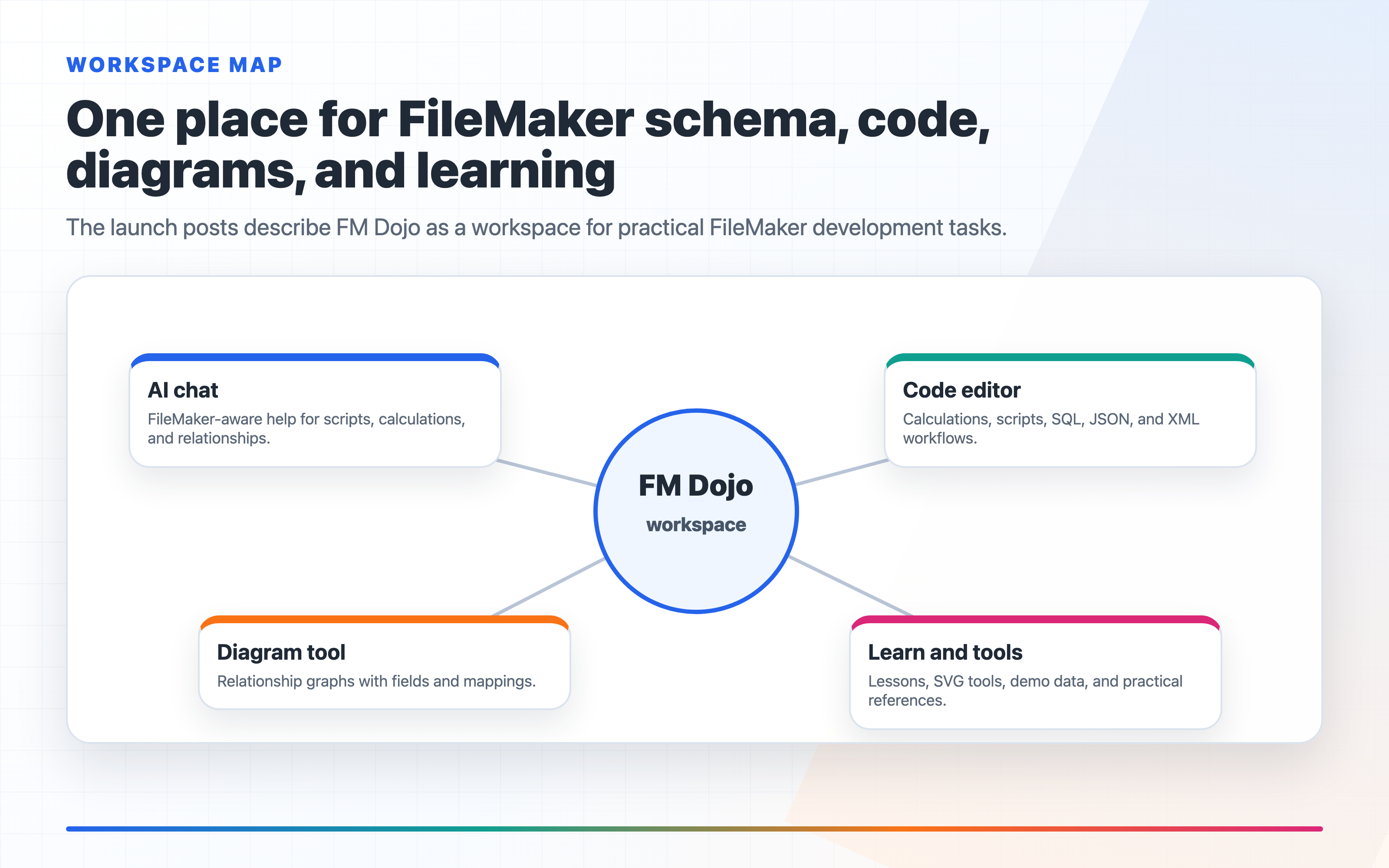
It can help explain calculations, review scripts, reason about relationship graphs, draft implementation checklists, test SQL ideas, and inspect server evidence. It is strongest when the active Snapshot, LiveConnect session, Code Editor, SQL Fiddle, or FMS Admin context matches the question.
It is weakest when you ask a broad question with no file context, no failure mode, and no target FileMaker version or runtime.
Used well, FMDojo saves time at the right point in the process: before you write the wrong script, before you trust a bad query, before you miss a relationship assumption, and before a server issue gets explained from memory instead of logs.
The developer still owns the work. FMDojo gives the developer better context.
What is new in FM Dojo related to this
FMDojo gives FileMaker developers several AI surfaces with different jobs. AI Chat can use active Snapshot context. Code Chat reviews the code in front of you. LiveConnect brings current schema from an open FileMaker file into FMDojo. SQL Fiddle helps test query ideas before they become FileMaker calculations. FMS Admin gives operational context for server questions.
Start with Snapshots when you need schema-aware AI help, Code when the work is a calculation, script, SQL query, or JSON payload, or LiveConnect when you want current schema from an open FileMaker file.