How to Monitor Your FileMaker Server Without Tool Sprawl
You do not need to pay for a stack of separate monitoring tools just to keep an eye on FileMaker Server. Here is a practical setup that keeps the work in one place.
If your FileMaker Server goes down, fills a disk, starts failing backups, or gets hammered by failed logins, you usually find out in the worst possible way: a user calls.
That is the point where teams start assembling a pile of separate tools. One service to check uptime. Another for alerts. Another for infrastructure graphs. Then the FileMaker Admin Console for the FileMaker-specific tasks those tools still cannot do.
Sometimes that stack is justified. But a lot of FileMaker deployments do not need UptimeRobot, Zabbix, Datadog, New Relic, or a custom Grafana setup just to answer the basic operational questions:
- Is the server up?
- Are backups succeeding?
- Are users getting disconnected?
- Is disk usage getting dangerous?
- Are the logs showing something obviously wrong?
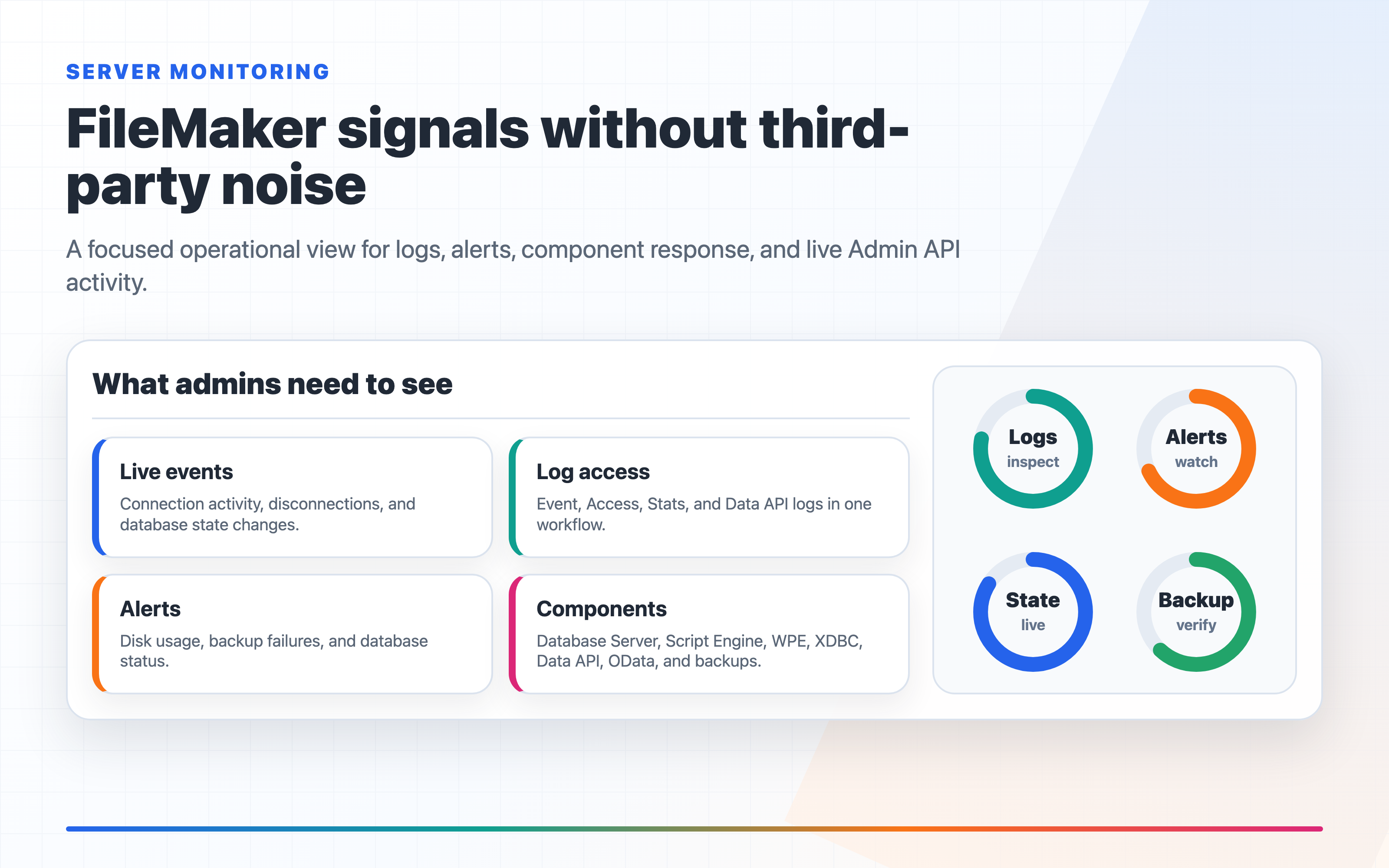
For many FileMaker environments, you can get most of that visibility from the FileMaker Admin API, the server's own logs, and a FileMaker-specific surface like FM Dojo FMS Admin.
More importantly, the value is not just "we show metrics." The value is that monitoring and the operational follow-through live under one umbrella. You can inspect the server, review logs, fire alerts, restore a file from backup, install and renew a Let's Encrypt certificate, route admin notifications through Flows, and connect servers through AWS, Google Cloud, Linode, or Azure without stitching together a separate monitoring stack and then jumping back into other tools to actually do the work.
What "good enough" monitoring actually means
The mistake is thinking monitoring starts with dashboards.
For most FileMaker deployments, useful monitoring is much more basic than that:
- You can see whether databases are open, closed, inconsistent, or erroring
- You know whether backups are succeeding
- You have a fast way to inspect Event, Access, Stats, and Data API logs
- You get notified when the server process dies, disk usage spikes, or backup health changes
- You can answer "what changed?" without bouncing between multiple subscriptions, dashboards, and the Admin Console
If you have that, you are already ahead of a surprising number of production systems.
Start with the signals FileMaker Server already exposes
FileMaker Server already gives you a lot of the raw material:
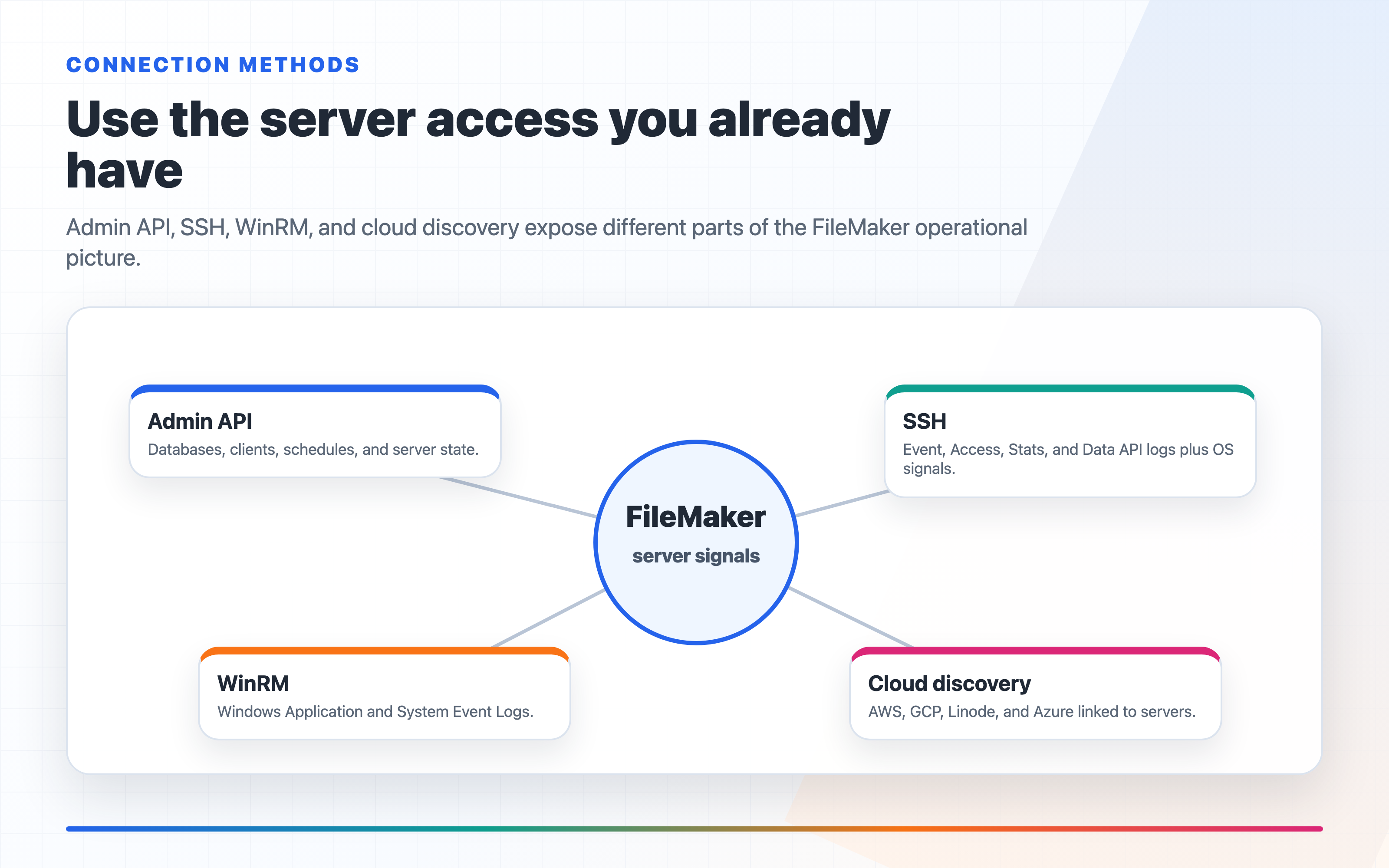
- Admin API status for databases, clients, schedules, and server state
- Event log for opens, closes, backup results, and operational events
- Access log for authentication activity and client connections
- Stats log for trends like connection counts and call volume
- Data API log when an integration starts failing
The problem is not that the data is missing. The problem is that it is spread across different surfaces and usually inspected only after something breaks.
That is why the practical goal is not "collect more telemetry." It is "make the existing telemetry usable."
The minimum monitoring loop
If you want a simple setup without buying and wiring together a stack of generic monitoring tools, this is the loop to build:
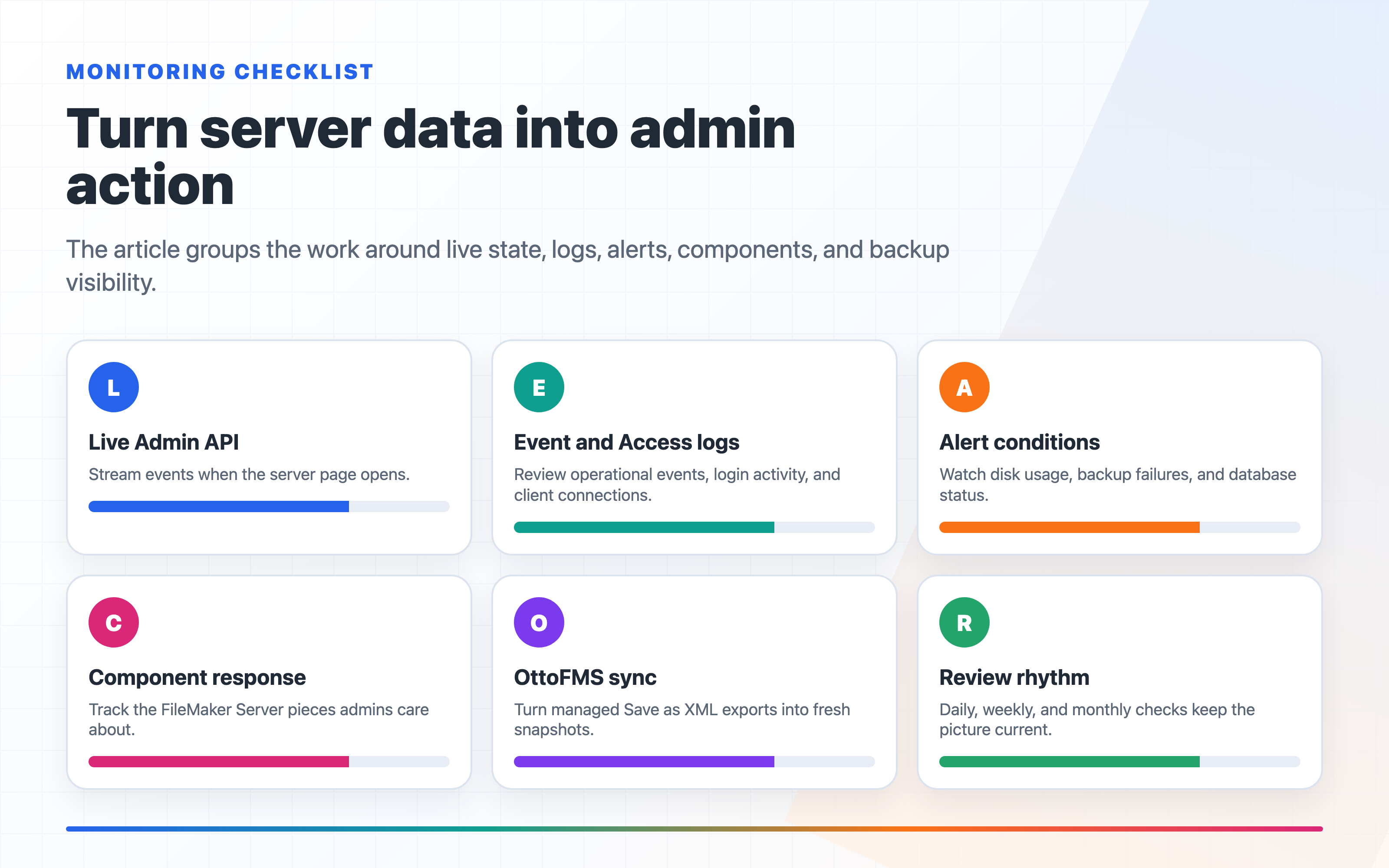
- Watch live server state
- Read the important logs from one place
- Set alerts for the failures that matter
- Keep basic system metrics visible
That covers most real-world FileMaker operational issues.
Monitoring is only half the job
This is the part generic monitoring tools usually miss.
A server dashboard can tell you a backup failed. That is useful, but it is still only a signal. Someone then has to go fix the actual FileMaker problem somewhere else.
For FileMaker teams, that follow-through is often the expensive part:
- restoring a live file from backup
- installing or renewing SSL
- routing admin alerts to the right place
- handling FileMaker-specific states instead of generic "host is up/down" checks
That is why "under one umbrella" matters. Monitoring is more valuable when the next action is close to the signal.
It also means the surrounding infrastructure work is closer to the FileMaker workflow. FM Dojo can discover and connect servers through major cloud hosts, use AWS SSM for EC2 environments, and support Windows Server over WinRM instead of assuming every FileMaker deployment looks like a hand-managed Linux box.
Live monitoring catches the obvious failures early
The first thing you want is immediate visibility into what the server is doing right now.
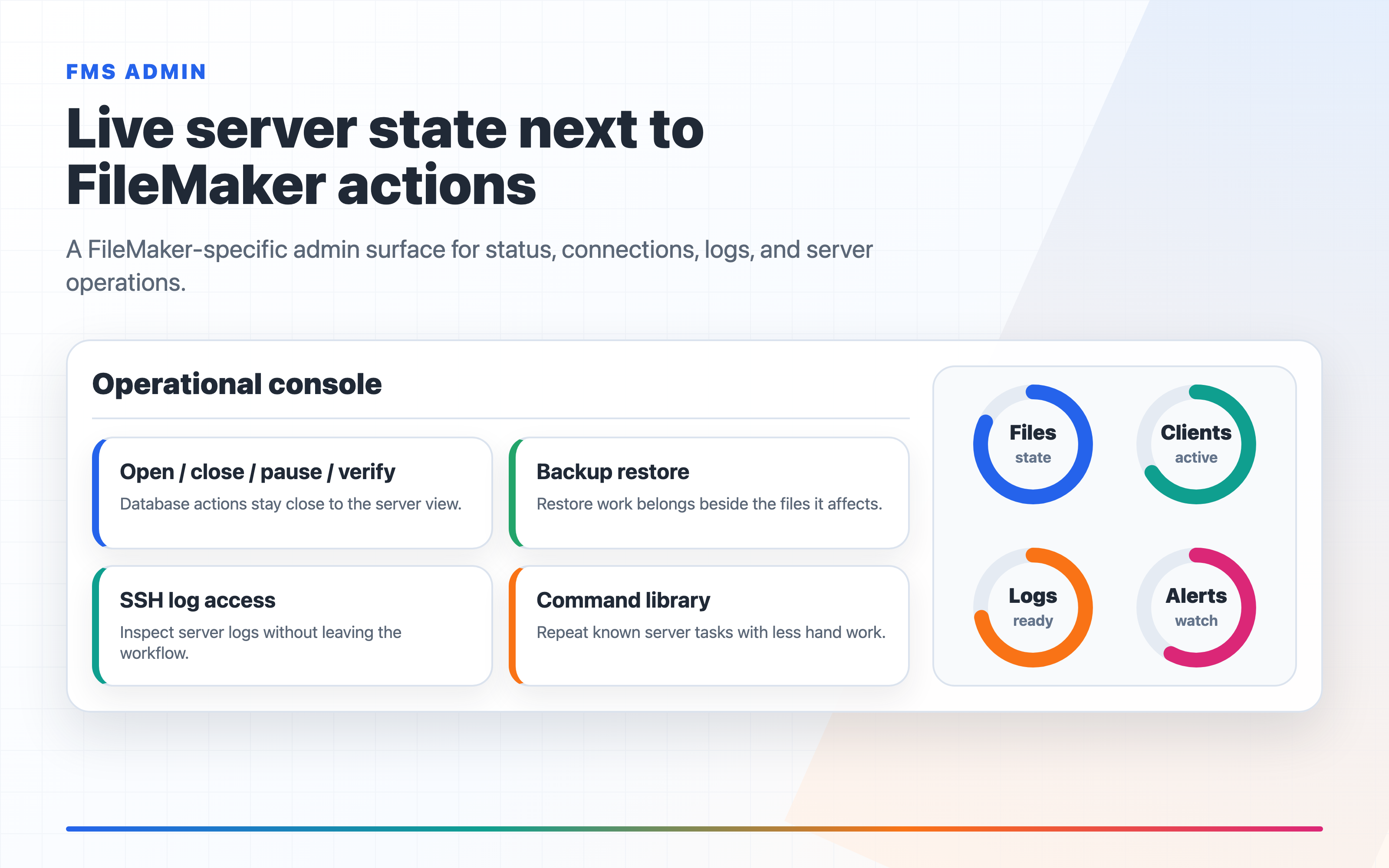
In FM Dojo, FMS Admin streams live events from the FileMaker Admin API as soon as you open a server. That means you can watch connection activity, disconnections, and database state changes in real time instead of repeatedly refreshing the Admin Console and guessing what just happened.
That is useful for more than outages.
If a file closes unexpectedly, clients start dropping at the same time every morning, or a scheduled job appears to affect connected users, live events shorten the time between "something feels off" and "here is the exact moment it started."
Logs matter more than dashboards
When something is actually wrong, logs beat charts.
For FileMaker Server, the most useful baseline is:
- Event log for operational events and backup results
- Access log for login and client activity
- Stats log for load patterns over time
- Data API log for API-specific failures
FM Dojo also supports reading OS-level logs from the same monitoring flow:
- Linux/macOS via SSH: journald, kernel log, syslog, and auth log
- Windows via WinRM: Application and System Event Logs
This matters because some of the most important failures are not really "FileMaker errors."
Out-of-memory kills, disk I/O problems, SSH brute-force attempts, firewall blocks, or system-level restarts often explain a FileMaker symptom better than the FileMaker logs alone do. If you only look at the app surface, you miss the cause and only see the consequence.
Alerts should be boring and specific
Good alerts are not complicated. They are just precise enough that you will care when they fire.
A practical FileMaker alert set looks like this:
- Disk usage alert when a volume crosses a threshold
- Backup failure alert when the last schedule result is not OK
- Database status alert when a file is CLOSED, INCONSISTENT, or in ERROR
- Server process down watchdog when the FileMaker Server daemon stops
- OOM kill watchdog on Linux servers where RAM pressure is a real risk
- Disk I/O watchdog when the kernel starts reporting storage problems
FM Dojo's FMS Admin supports those checks with Slack, Discord, and Flow-based notifications, plus cooldown controls so you do not get spammed every few minutes while the same problem persists.
That is the right level of sophistication for most FileMaker teams. You do not need an observability platform worthy of a Kubernetes cluster. You need the alert that tells you backup failed at 2:00 AM and the alert that tells you the server process is gone.
Component checks should lead to component-level choices
A lot of FileMaker Server incidents are not simply "the whole server is down." One service can stop responding while the rest of the machine still looks alive.
That is why component response monitoring matters. FM Dojo can watch the FileMaker Server pieces an admin actually cares about, including the Database Server, Admin Server, FileMaker Script Engine, Web Publishing Engine, XDBC Listener, Data API, OData API Listener, and Progressive Backup.
Instead of sending a vague "server problem" message, the alert can identify the failed component and route that context into a Flow. The Flow can then send a Slack or Discord message with clear response choices:
- Do nothing
- Restart
- Just log
If the admin chooses restart, FM Dojo runs the restart against the failed service or the selected component sequence. If the admin chooses do nothing or just log, the response is recorded without restarting anything.
That distinction is important. Monitoring should not turn into an accidental remote-restart button. Response links are signed, tied to the Flow run, and single-use, so once an admin completes the loop the same link cannot be clicked again later to restart the wrong service.
Metrics are useful, but only if you can see them quickly
Metrics are still useful, especially:
- CPU
- memory
- disk
- network
But for a typical FileMaker deployment, you usually do not need a massive historical telemetry system before these numbers become helpful.
In FM Dojo, those metrics can persist as sparkline charts at the top of the server dashboard. That is enough to answer a lot of first-pass questions:
- Is memory climbing over time?
- Did disk usage jump after a backup or import?
- Is network activity unusually high right now?
- Is this server under obvious pressure or not?
That kind of visibility is often enough to decide whether you are looking at a FileMaker problem, an infrastructure problem, or a "nothing is actually wrong, just slow right now" problem.
AI log analysis is useful when the problem is messy
One of the harder parts of FileMaker support is not collecting logs. It is reading a pile of mixed log lines and deciding what matters.
FM Dojo's log analysis flow is useful here because it can summarize what is happening, pull out warnings and errors, highlight recurring patterns, and answer direct questions like:
- Why are clients disconnecting around 3 AM?
- Are there failed logins?
- Did backups start failing after another system change?
That is not a replacement for judgment. It is a way to reduce the time spent scanning raw logs before you can form a hypothesis.
The operational payoff
The bigger win is that the same surface can help you act on what you find.
If backup monitoring tells you something is wrong, you can go straight to Restore Backup and replace a live file from a server-side backup without manually digging through the file system. If certificate monitoring or expiry checks tell you SSL needs attention, the same umbrella includes Let's Encrypt setup and renewal handling. If a server component stops responding, the alert can ask a human what to do, then let a Flow restart the right FileMaker Server component only after that response comes back.
There is also OttoFMS integration for teams already using that stack: FM Dojo can track OttoFMS-managed files, trigger OttoFMS Save as XML exports, and turn those exports into fresh FM Dojo snapshots without manual XML handling.
That is a much better FileMaker workflow than paying for multiple monitoring products, receiving a generic alert, and then starting over inside the Admin Console or a pile of separate scripts.
When this approach is enough
This avoid-the-tool-sprawl approach is usually enough when:
- You are managing one server or a small number of servers
- The team doing support is FileMaker-centric
- You mainly need operational visibility, not enterprise-wide infrastructure observability
- The most common failures are backups, file state changes, login issues, SSL trouble, or resource pressure
That is a lot of FileMaker shops.
When you may still want broader infrastructure monitoring
There are real cases where this is not enough:
- You need central monitoring across many non-FileMaker systems
- Your ops team standardizes on a company-wide monitoring platform
- You need long-term metric retention, custom dashboards, or cross-service correlation
- You are monitoring containers, reverse proxies, databases, and multiple app layers beyond FileMaker
In that kind of environment, a broader monitoring stack makes sense. But even then, the FileMaker-specific view still matters because generic infrastructure tools usually do not understand FileMaker schedules, file states, or admin workflows very well.
A practical recommendation
If you want to monitor FileMaker Server without paying for multiple extra tools and then still living in the Admin Console, start here:
- Connect the server in FMS Admin
- Enable SSH or WinRM so logs and system-level signals are available
- Turn on alerts for disk usage, backup failures, and database status
- Enable component response monitors for the FileMaker Server services you care about
- Link failed/down alerts to a recovery Flow if you want Slack or Discord choices for do nothing, restart, or just log
- Enable watchdogs for server-process-down, OOM kills, and disk I/O errors where supported
- Check the dashboard metrics and live events before you go digging through everything else
That gets you most of the operational coverage you actually need, without paying for a stack of separate products and then context-switching back to the Admin Console for the FileMaker-specific work anyway.
Monitoring checklist
If you want a short operational checklist, use this:
- Daily: confirm backups are succeeding and no database is sitting in a bad state.
- Weekly: review disk growth, scan recent alerts, and check whether any repeated warnings are showing up in Event or Access logs.
- After incidents: compare the FileMaker logs with the OS-level logs, not just one or the other.
- Before vacations or handoff: make sure alerts are going somewhere a human will actually see.
The goal is not to admire monitoring. The goal is to learn about a problem early enough that users do not have to tell you first.