Claris Connect Alternatives for FileMaker Automation
Most Claris Connect alternatives — Zapier, Make, n8n — don't connect to FileMaker at all. Here's what actually works for FileMaker automation in 2026.
Claris Connect launched with a lot of promise. Visual workflow builder, native FileMaker triggers, no-code integrations. For some teams it works well. For others — especially developers managing more complex logic, cost-sensitive clients, or integrations Claris doesn't support — it's become more of a constraint than a tool.
I've talked to enough FileMaker developers to know this is a real conversation, not just grumbling. So here's an honest look at what the alternatives actually are.
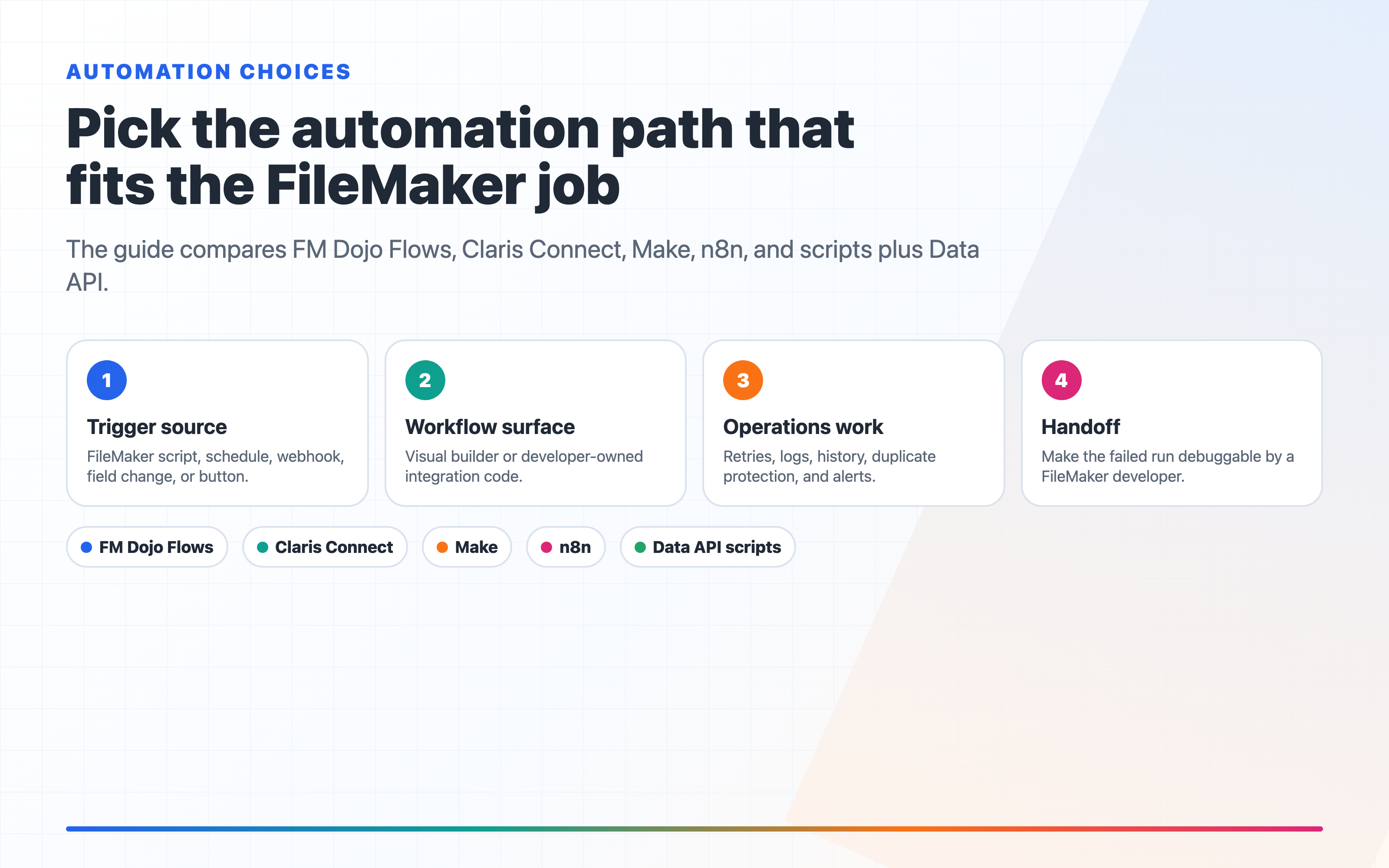
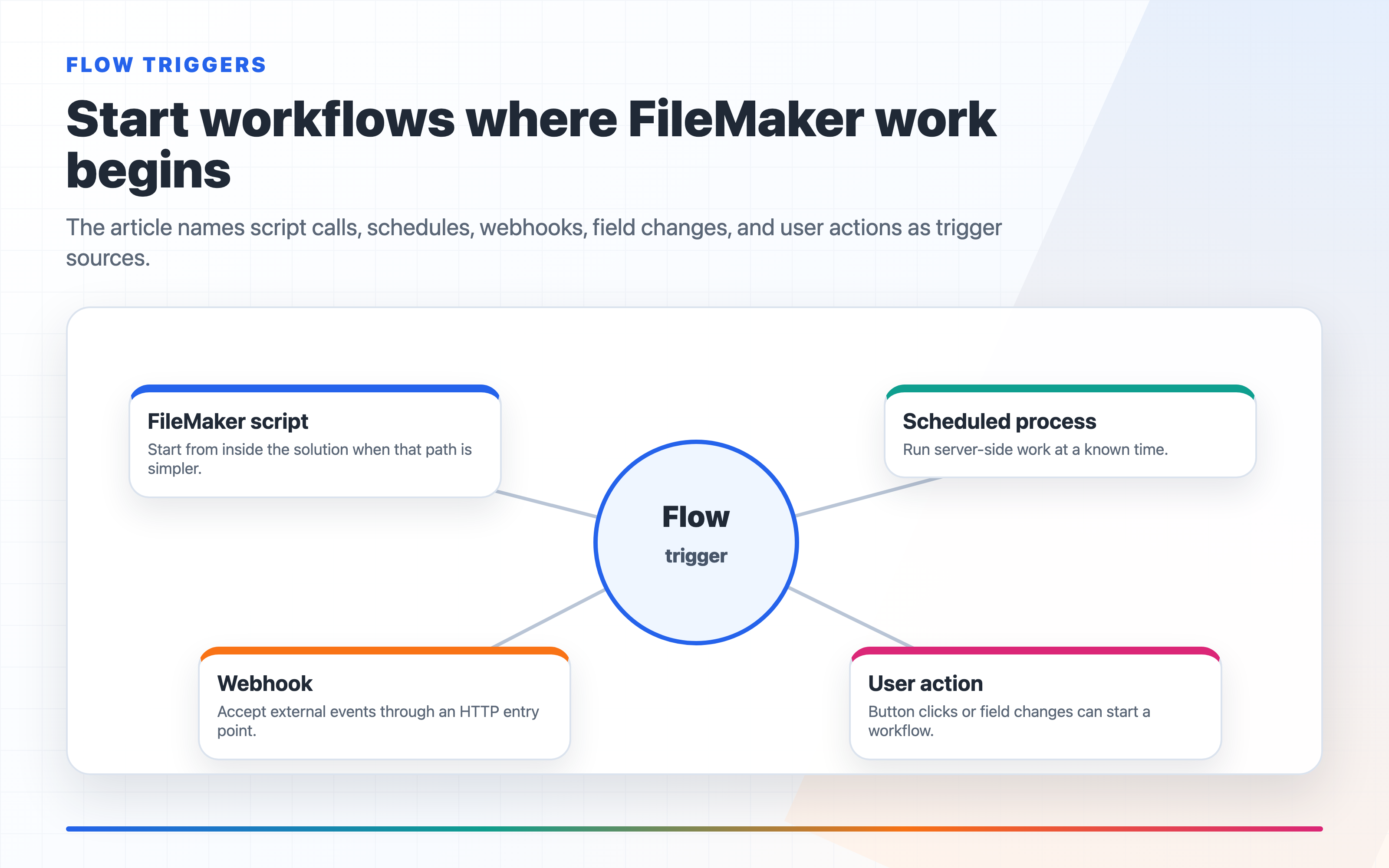
In FM Dojo, the automation answer is usually not "replace every tool with one tool." It is: start from the FileMaker trigger, generate the Insert from URL or Copy as XML script from Flows, pass the record payload intentionally, then use the run history and failure details to debug like a FileMaker developer. When the workflow depends on schema or server context, pair Flows with Snapshots, FMS Admin alerts, or AI Chat so the automation is not floating outside the system it is supposed to support.
What Claris Connect Does Well
Before writing it off: Claris Connect handles simple, well-supported integrations cleanly. If you need to push a FileMaker record to Salesforce when a script runs, and Salesforce is in their connector library, it works. The setup is visual, it doesn't require a server to maintain, and it's built specifically for FileMaker triggers.
For small solutions with predictable integrations, that's hard to argue with.
Where It Falls Short
The friction shows up in a few places:
Connector gaps — if your integration isn't in the library, you're stuck with generic HTTP connectors, which require the same API knowledge you'd use to just write the integration yourself.
Pricing at scale — Connect is subscription-based and the costs add up as your automation volume grows. For developers managing multiple client solutions, running separate Connect subscriptions per client gets expensive.
Logic limitations — complex conditional logic, loops, and error handling are awkward in a visual builder. What looks clean in a diagram becomes a mess of branches when the real-world requirements hit.
No self-hosting — everything runs through Claris infrastructure. That's a non-starter for some clients.
Comparing the Options
The truthful comparison is not "Claris Connect bad, everything else good." Each option has a real place. The question is how much FileMaker-specific setup, logging, and maintenance you want to own.
| Option | Best fit | FileMaker setup | Strengths | Tradeoffs |
|---|---|---|---|---|
| FM Dojo Flows | FileMaker developers who want the fastest path from a record, script, webhook, schedule, or polling rule to a working automation. | Click to create the flow, choose the trigger, then copy the generated Insert from URL script or Copy as XML and paste it into FileMaker Script Workspace. Attach it to a script trigger such as OnRecordCommit or OnObjectSave. | Built for FileMaker workflows, keeps setup inside the FM Dojo workspace, supports FileMaker actions, run history, step inputs/outputs, failure details, and notifications. The point is not to make developers write glue code; it is click, copy/paste, and wire the trigger. | Best when your automation starts from or revolves around FileMaker. If the project is mostly non-FileMaker app-to-app automation, a general iPaaS may have more prebuilt patterns. |
| Claris Connect | Teams already standardized on the Claris platform with simple, supported app integrations. | Supports FileMaker-triggered flows, but the workflow still lives in Claris Connect and depends on its connector model. | Official Claris product, visual builder, useful for common connector-to-connector jobs, approachable for some non-developers. | Connector gaps push you into generic HTTP work. Complex branching, retries, and diagnostics can become harder to reason about than the visual canvas suggests. |
| FileMaker scripts + Data API | Developer-owned workflows where you want full control and do not need a visual workflow surface. | You write and host the integration code, manage authentication, schedule it, and build your own logging/retry behavior. | Maximum control, no extra automation platform required, can fit strict internal architecture rules. | You own all the boring production pieces: retries, rate limits, logs, payload history, duplicate protection, alerts, and handoff documentation. |
| Make | Broad app-to-app automation with a large connector catalog and moderate complexity. | Usually configured outside FileMaker with Data API, webhooks, or connector-specific setup. | Mature visual builder, large app ecosystem, routers, iterators, transforms, and error handlers. | Not FileMaker-first. You still need to think through FileMaker auth, payload shape, record identity, and how a FileMaker developer will debug a failed run later. |
| n8n | Self-hosted automation where data residency, infrastructure ownership, or custom nodes matter. | You host n8n, wire FileMaker through HTTP/Data API patterns, and maintain the environment. | Open source, self-hostable, flexible, strong for technical teams that want control. | More setup and operations work. Great for teams that want to own the automation server; overkill if the goal is just to trigger a FileMaker workflow quickly. |
The Practical Recommendation
If the automation starts in FileMaker, try FM Dojo Flows first. That is what it is built for: generate the trigger script, paste it into FileMaker, pass record data into the flow, and debug the run from a FileMaker-aware interface.
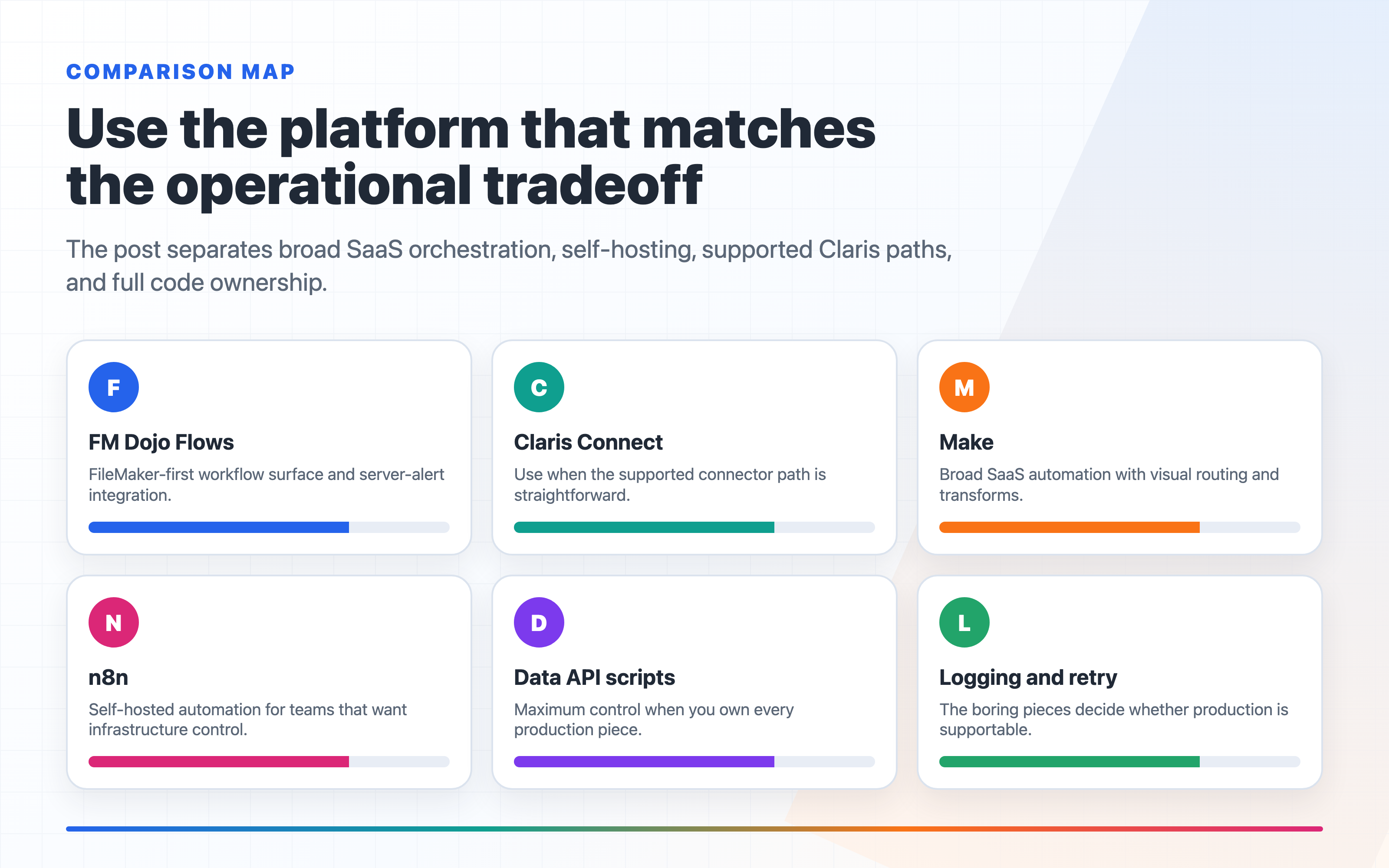
Use Claris Connect when a client is already bought into Claris Connect and the supported connector path is straightforward. Use Make when the job is mostly broad SaaS orchestration. Use n8n when self-hosting is a requirement. Use raw scripts and the Data API when you intentionally want to own every line of the integration.
That is a more honest comparison than treating all automation tools as interchangeable. Flows is not trying to be a generic automation directory with FileMaker bolted on. It is the FileMaker-native path for developers who want to get from "record changed" to "workflow ran" without spending the afternoon writing plumbing.
FM Dojo also gives you a better handoff when automation is part of operations. A backup failure or component alert in FMS Admin can trigger a Flow, and AI Chat can help review the payload contract before you wire it into production. That matters because most automation failures are not caused by the visual canvas. They are caused by weak trigger context, missing record identity, unclear retries, or no place to inspect what actually ran.
Technical checks before choosing
Before you pick an automation tool, write down the operational requirements. The right answer changes quickly once the workflow needs reliability instead of a nice diagram.
Trigger source — is the workflow started by a FileMaker script, a scheduled server process, a webhook, a field change, or a user clicking a button? If the trigger starts inside FileMaker, a script plus Data API call may be simpler than an external workflow service.
Auth boundary — decide where FileMaker credentials live. For server-side automations, use a dedicated integration account with the minimum privilege set needed. Do not reuse a developer or admin account just because it is convenient.
Retry behavior — define what happens when the destination API is down, rate-limited, or returns a partial success. Good automation needs idempotency keys, duplicate detection, and a place to inspect failed runs.
Data shape — simple record pushes are easy. Multi-record payloads, portal rows, attachments, and bidirectional sync need more careful mapping and logging.
Audit trail — production workflows should leave enough evidence to answer: what ran, when it ran, what record triggered it, what payload was sent, what response came back, and whether a retry changed the result.